The Bench · 21 September 2026
Which Kindle should you buy?
Amazon sells five e-readers, and they all read the same books on the same kind of screen. The differences are size, waterproofing, colour and a pen. Here is which one to pick for each.
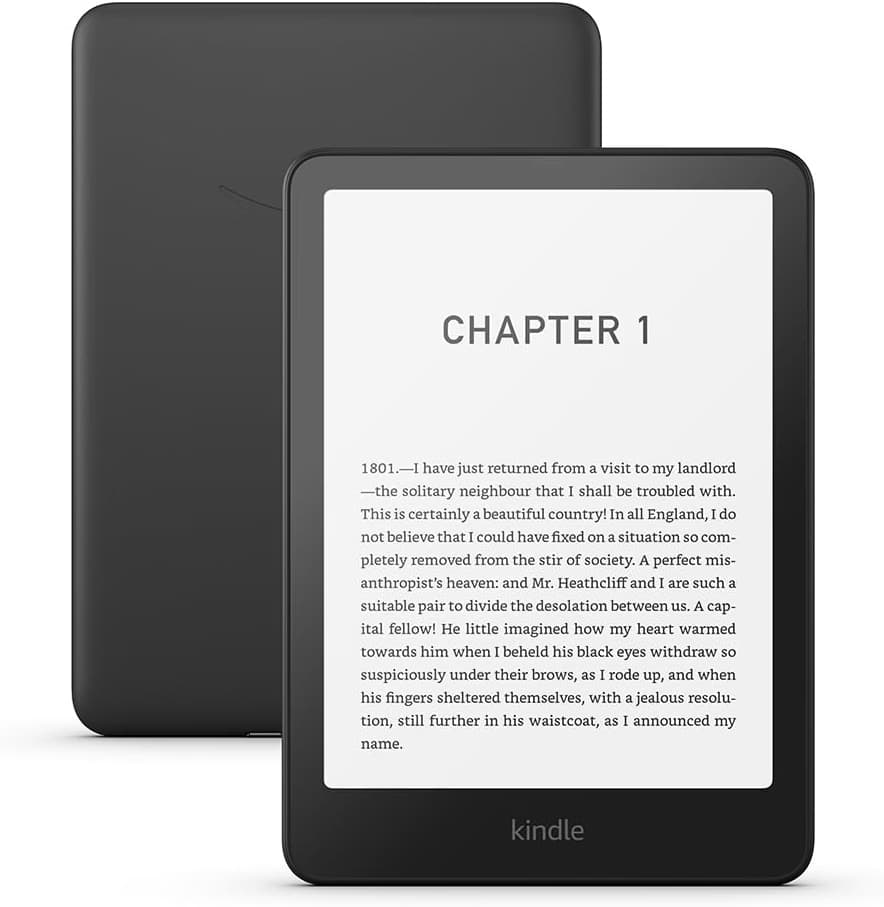
Amazon sells five Kindles. All of them have a 300ppi E Ink screen, all of them last weeks on a charge, and all of them read the same books from the same shop. The differences come down to four things: how big the screen is, whether it is waterproof, whether it shows colour, and whether you can write on it. Once you know which of those you care about, the choice is usually obvious.
The basic Kindle: smallest and cheapest
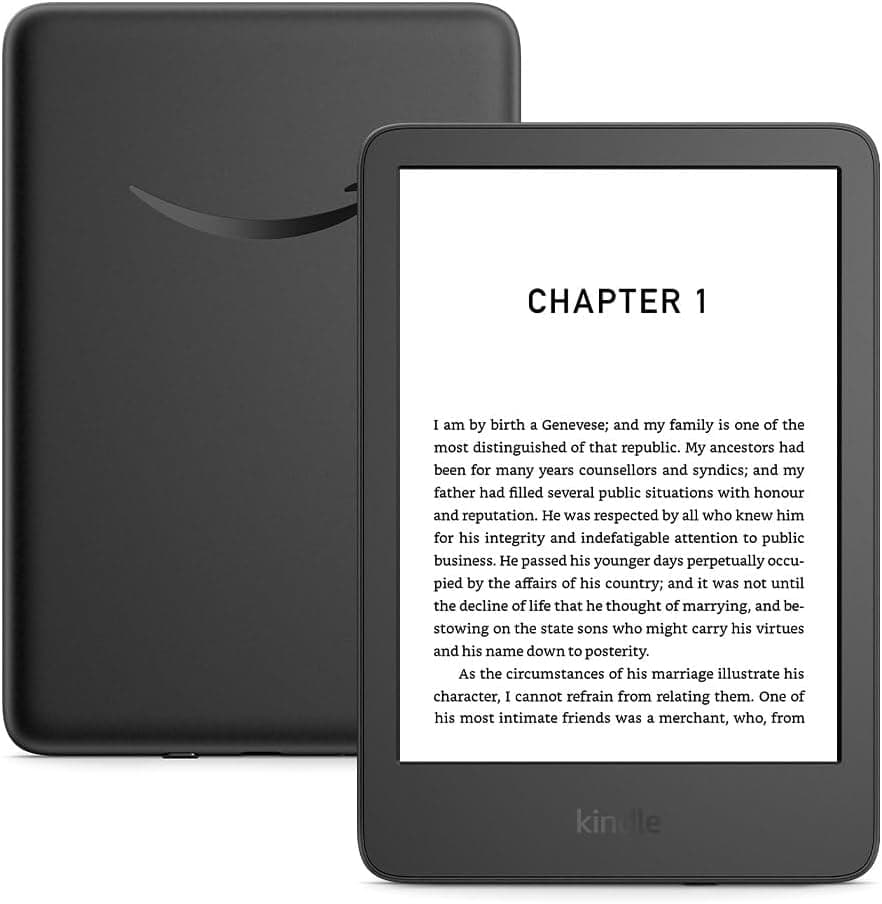
6-inch screen, 300ppi, 16GB. The smallest and lightest, and the only one that is not waterproof.
£104.99 at AmazonThis is the small one. Six inches is about the size of a paperback page, it fits in a coat pocket, and it weighs less than any other reader here. Text looks just as sharp as it does on a Paperwhite, because the screen has the same 300ppi resolution. A novel reads perfectly well on it.
What you give up is waterproofing and the warm front light. The light is white only, which is fine during the day and a little harsh late at night. The smaller page also means more page turns, and anything with tables, footnotes or diagrams feels cramped. If you mostly read novels, and mostly indoors, it does the job and there is no strong reason to spend more.
Kindle Paperwhite: the one most people should buy
7-inch screen, IPX8 waterproof, warm front light, 16GB. The default choice.
£169.99 at AmazonThe Paperwhite is the default. Unless one of the sections below sounds like you, this is the one to get. Seven inches is enough that a page of an ordinary book does not feel squeezed. It is rated IPX8, so it can go in the bath or by the pool without worry. And the front light can be turned from white to amber, which makes a real difference when reading in bed. 16GB holds thousands of books.
The current model is the 12th generation, released in late 2024. Amazon has used the Paperwhite name for a decade, and earlier ones had smaller screens, so if you are buying second-hand check the generation rather than the name.
Paperwhite Signature Edition: the same reader with the small annoyances removed
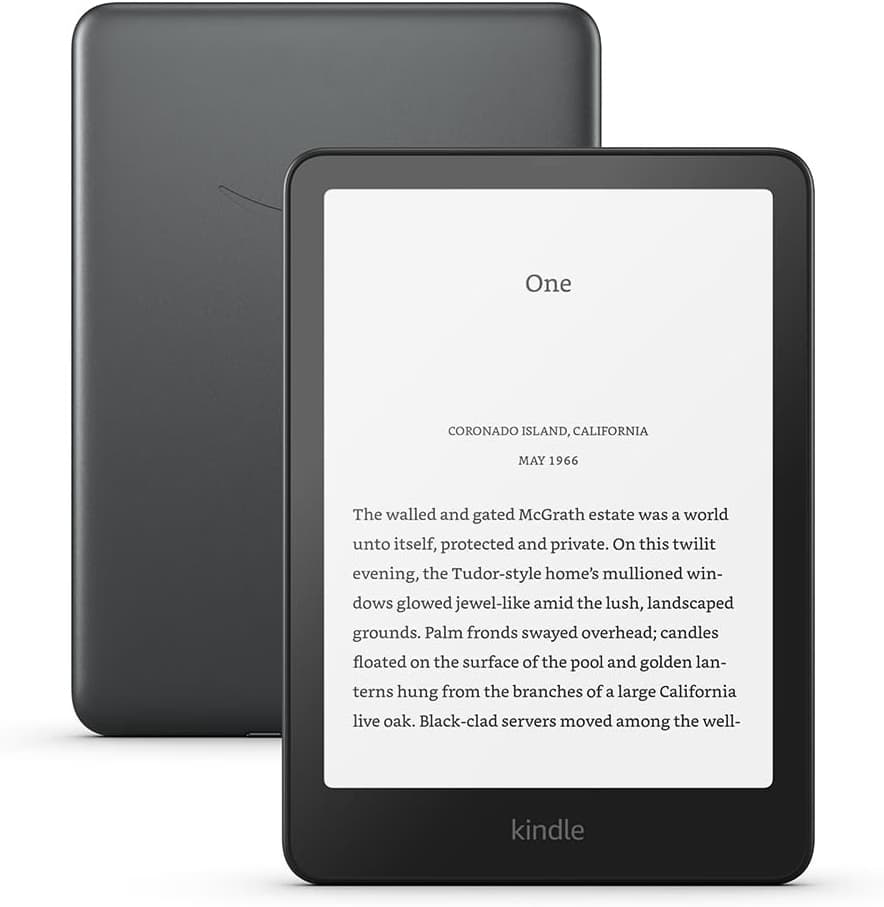
The same 7-inch Paperwhite, plus 32GB, wireless charging, an auto-adjusting light and no lockscreen adverts.
£189.99 at AmazonThe Signature Edition is the same reader as the Paperwhite. Same screen, same body, same battery. What you pay extra for is a handful of conveniences: it charges on any Qi wireless pad, the front light adjusts itself to the room, there are no adverts on the lock screen, and storage doubles to 32GB.
None of that changes how a book looks. Whether it is worth the difference depends on how much the small things bother you. The extra storage only really matters if you keep audiobooks on the device; for text alone, 16GB is plenty.
Kindle Colorsoft: for books with pictures in them
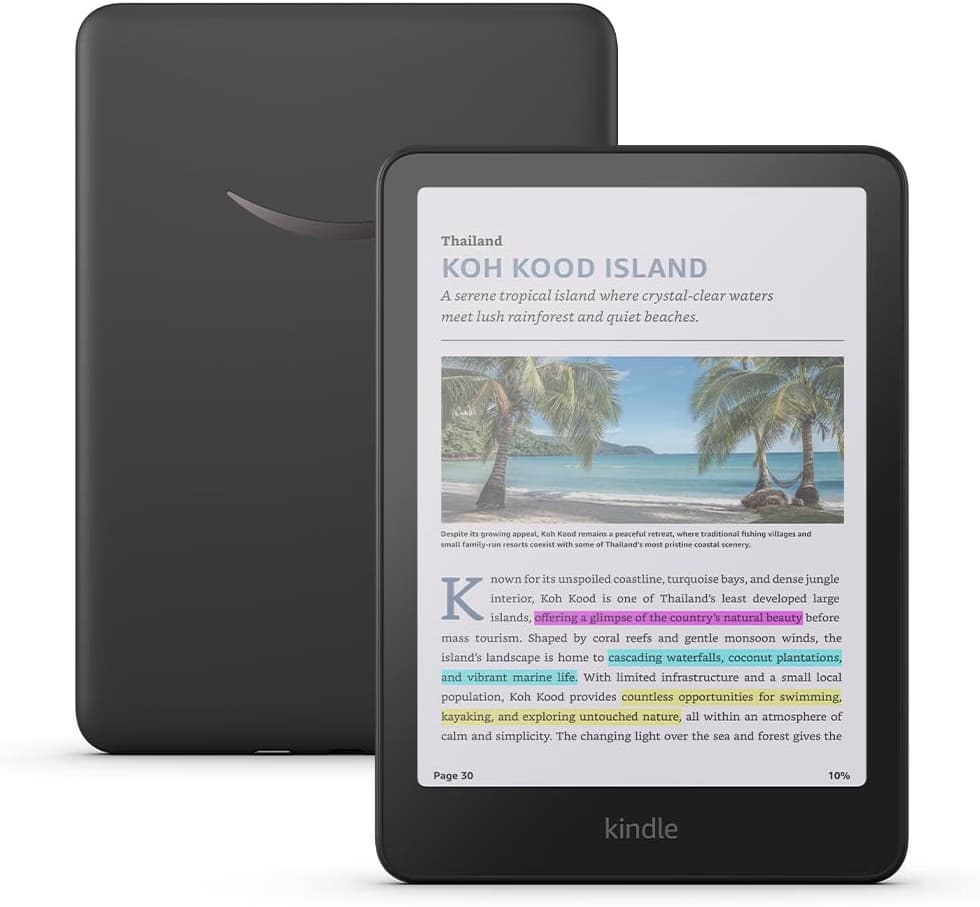
7-inch colour E Ink, 32GB, wireless charging, IPX8. The same size and shape as the Paperwhite.
£269.99 at AmazonThe Colorsoft is a Paperwhite with a colour screen, and it helps to know what colour E Ink actually is before buying one. A colour filter sits over the same black-and-white panel. Colours come out soft and muted rather than vivid, colour detail is lower resolution than the text, and the whole screen looks a shade darker than a Paperwhite. It does not refresh fast enough for video.
For comics, graphic novels, cookbooks, textbooks with diagrams and magazine covers, that is still a big step up from grey. Highlights show in colour too, and stay in colour when you export them. If you only read novels, you are paying more for a slightly dimmer page.
Kindle Scribe: for writing as well as reading
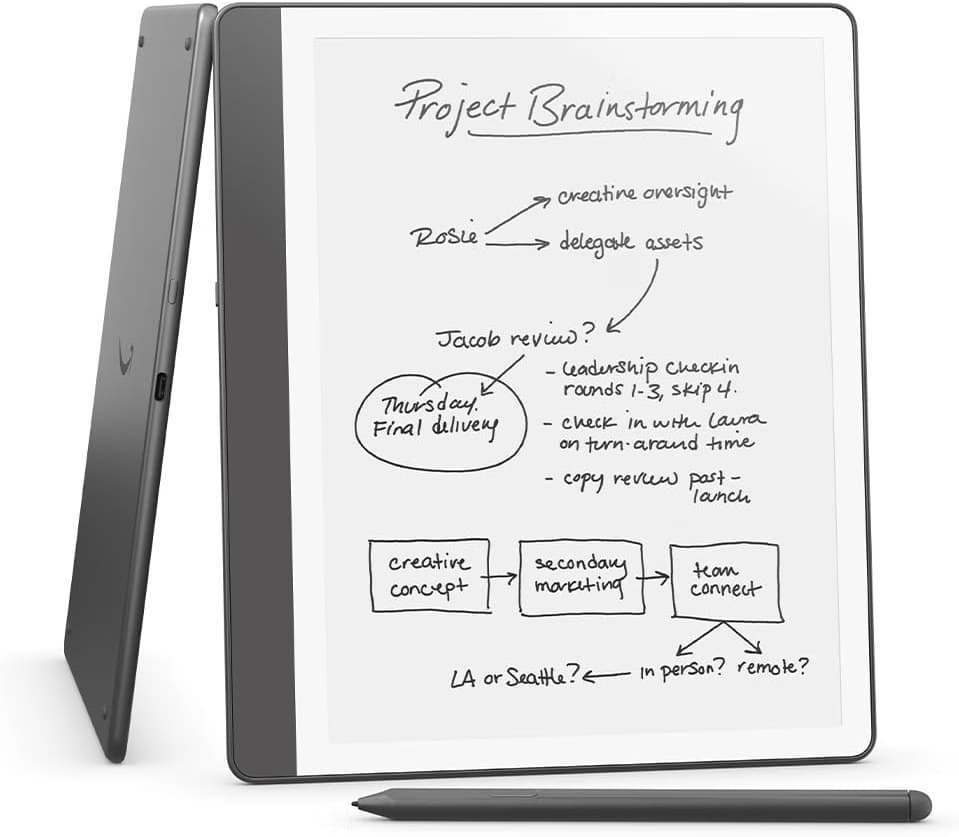
11-inch screen, 300ppi, pen included. As much a notebook as a reader.
£449.99 at AmazonThe Scribe is a different kind of device. At 11 inches it is closer to an A5 notebook than a paperback, and it comes with a pen. The size is what makes PDFs usable: papers, sheet music, manuals and anything else with a fixed page layout can be read at full size instead of being squashed or reflowed. The pen is for notes in the margins, a blank notebook, and marking up documents.
The trade-off is that it is a two-handed device. You will not read it in bed the way you would a Paperwhite, it does not fit in a pocket, and it costs a lot more than any other reader here. Buy it because you want to write on it. If you only want a bigger screen for reading, it is a lot of money for that. The current model is the 2025 redesign with an 11-inch screen; the earlier Scribe was 10.2 inches.
When a Kindle is the wrong choice
Two situations. If you borrow ebooks from a public library, a Kobo is the easier option: it has OverDrive built in, so you can borrow a book from the device itself. UK library ebooks do not work on a Kindle. And if you want physical page-turn buttons, for reading with gloves on, lying on your side, or simply because you prefer them, the Kobo Libra Colour has them and no current Kindle does.
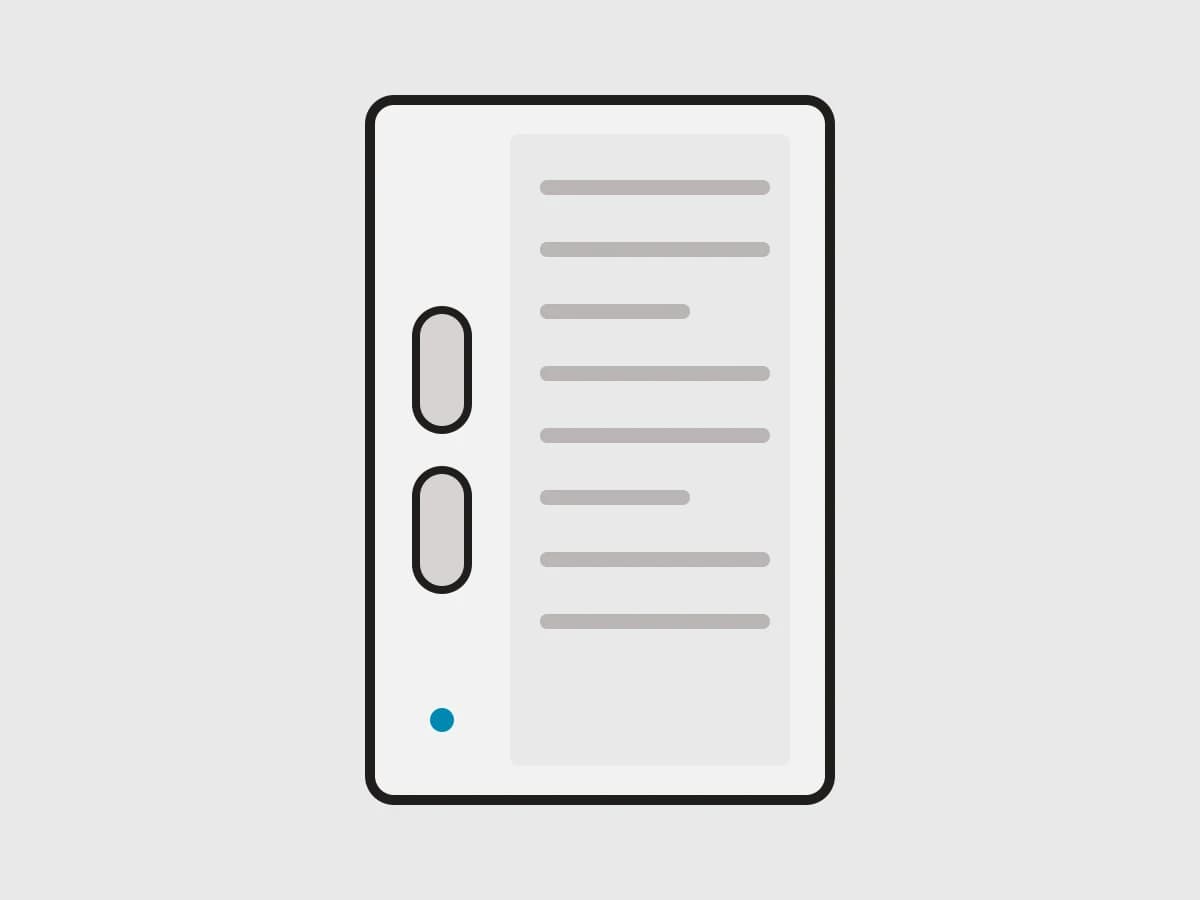
7-inch colour E Ink, IPX8, physical page-turn buttons, and it works with the Kobo Stylus 2.
The downside is the shop. Amazon's ebook catalogue is bigger and its books are discounted more often. If you already own a library of Kindle books, moving to Kobo means leaving them behind or a fair amount of fiddling to bring them across.
Each reader above has its own page in the index with its full specification and where it is currently sold.
The retailer links in this piece are affiliate links — we earn a commission when you buy through them, at no extra cost to you. Prices are read out of our offer table as the page loads rather than typed into the copy, but they are the maker’s UK RRP rather than a live retailer price: the retailer’s own page is the final word.